Which Is Better for High-Performance Sites: Framer or Figma?
January 8, 2026
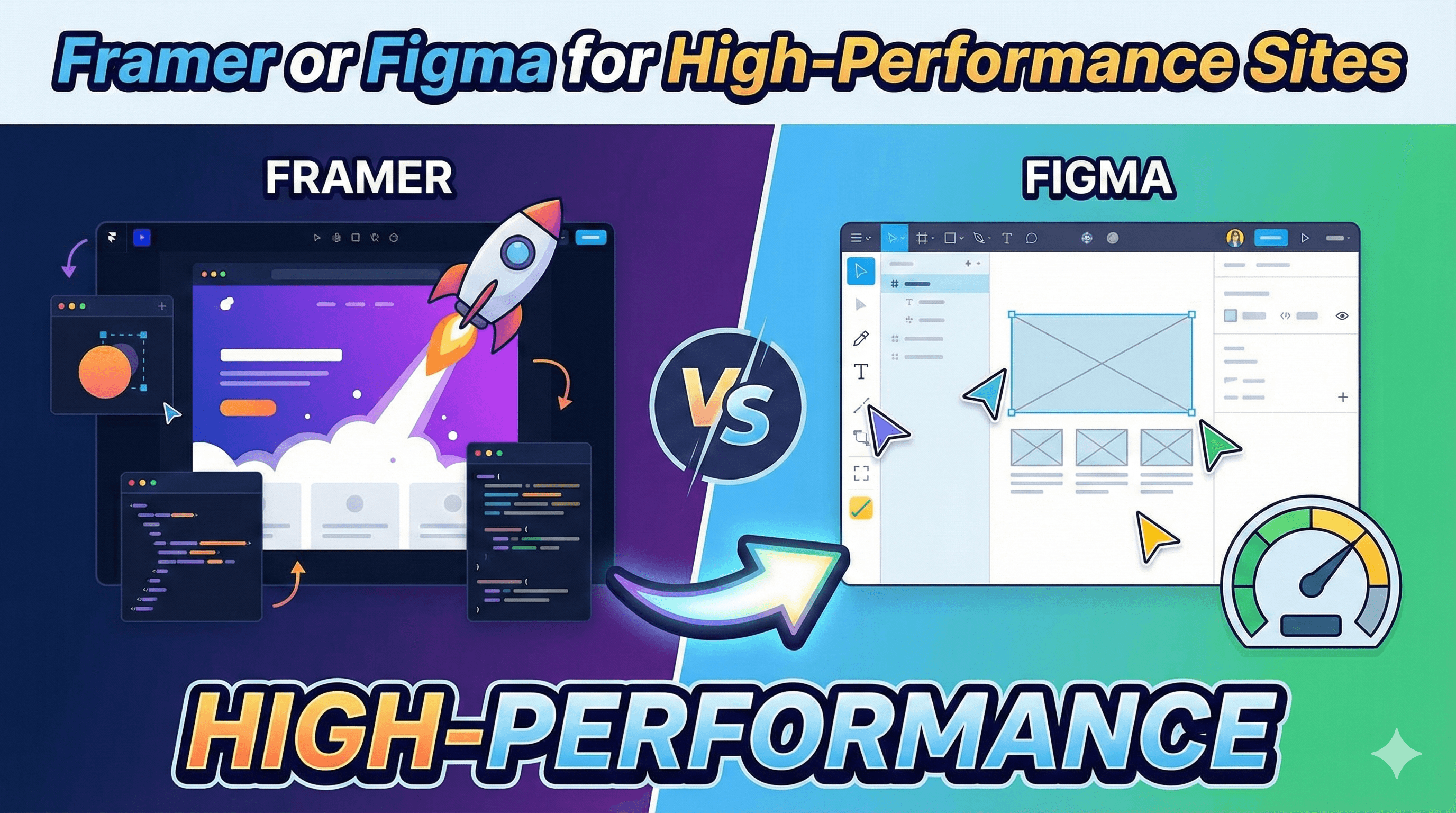
In the fast-paced world of web development, speed is everything. For startup founders and product managers, the choice of tools can dictate not just how a website looks, but how fast it loads, how well it ranks on Google, and how quickly it can be deployed.
Two giants dominate the current landscape: Figma and Framer. While they share similar interfaces and design capabilities, their engines are fundamentally different. Figma is the undisputed king of UI/UX design and prototyping. Framer, however, has evolved into a powerhouse for publishing live, production-ready websites.
But when it comes to building high-performance websites—sites that pass Core Web Vitals, load instantly, and rank high on SERPs—which tool is the better choice?
This comprehensive guide breaks down the Framer vs Figma debate, focusing strictly on performance, SEO, and real-world scalability for startups and businesses.
What Is Framer?
Framer is often described as "Figma for the web," but that comparison sells it short. Framer is a no-code site builder that bridges the gap between design and development. Unlike traditional design tools that output static images, Framer generates real, semantic React code in the background as you design.
Key Features
Visual Editor: design using a freeform canvas similar to Figma.
React-Based Output: Automatically generates clean, production-ready code.
Integrated Hosting: Built-in hosting powered by AWS CloudFront.
CMS Capabilities: Manage blog posts, team members, and changelogs easily.
Use Cases for High-Performance Websites
Framer is built for live deployment. It is the go-to choice for landing pages, marketing sites, portfolios, and agency websites where visual fidelity and load speed must coexist. Because it compiles to code rather than just simulating a design, it offers a "what you see is what you publish" workflow.
What Is Figma?
Figma is the industry standard for interface design and prototyping. It is a vector graphics editor that excels at collaboration, allowing teams to design systems, wireframes, and high-fidelity mockups in real-time.
Key Features
Real-Time Collaboration: Unmatched multiplayer design capabilities.
Prototyping: Create clickable flows to simulate user journeys.
Dev Mode: Generate CSS, iOS, and Android code snippets for developer handoff.
Plugin Ecosystem: Thousands of plugins to extend functionality.
Limitations for Live Website Performance
Historically, Figma was never meant to host websites. It produces prototypes, not products. While new features (like "Figma Sites" in beta) and plugins attempt to bridge this gap, Figma’s core architecture is built for vector manipulation, not DOM structure or server-side rendering. To get a high-performance site from Figma, you typically need to hand the design off to a developer who writes the code from scratch.
Framer vs Figma: Core Differences
The fundamental difference lies in their output.
Purpose and Workflow
Figma is for exploration and documentation. It is where you decide how the product looks and behaves before a single line of code is written. It is a "blueprint" tool.
Framer is for execution and delivery. It is where you build the final product. You can import designs from Figma into Framer, but the goal in Framer is always to hit "Publish."
Performance Impact
Framer Websites Speed: Framer sites are optimized out of the box. They utilize Server-Side Rendering (SSR), which pre-loads content on the server so the user sees the page instantly.
Figma for Web Design: A "Figma website" is usually just a prototype running in a heavy wrapper, or it requires a third-party plugin to convert to code. These conversion plugins often produce "bloated" code that scores poorly on performance metrics compared to Framer's native engine.
Performance Comparison: Framer vs Figma
When we talk about high-performance websites, we look at specific technical metrics. Here is how the two stack up.
Page Speed and Core Web Vitals
Framer is engineered for speed. It automatically optimizes images (converting them to WebP), creates responsive breakpoints, and minimizes CSS/JavaScript bundles. Framer sites consistently score high on Core Web Vitals (LCP, FID, CLS) because the hosting environment is tuned specifically for the code it generates.
Figma, when used via plugins to publish directly, often struggles here. The code generated is frequently "div soup"—messy, nested layers that confuse browsers and slow down rendering. A Figma prototype is heavy because it is rendering a canvas application, not a compiled website.
SEO Readiness
Framer: Offers native control over meta titles, descriptions, and Open Graph (social sharing) images. It generates a sitemap.xml automatically and supports semantic HTML tags (
<h1>,<nav>,<footer>), which are crucial for Google to understand your content.Figma: Lacks native SEO tools. A Figma prototype has no concept of H1 vs H2 tags or schema markup. Search engines cannot effectively crawl or index a Figma file or a basic plugin export.
Hosting and CDN Support
Framer sites are hosted on a global Content Delivery Network (CDN) powered by AWS. This means your website is replicated on servers worldwide, ensuring low latency for users in Tokyo, New York, and London alike. Figma does not offer native production-grade hosting.
SEO Capabilities of Framer vs Figma
For a startup, invisibility is death. Is Framer good for SEO? Absolutely. Can Figma build high-performance websites that rank? Not natively.
Feature | Framer | Figma (Direct Publish) |
Semantic HTML | Yes (Native control) | No (Often generic divs) |
Meta Tags & OG | Built-in | Requires 3rd party tools |
Sitemap Generation | Automatic | Manual / Non-existent |
SSR (Server Side Rendering) | Yes | No (Client-side mostly) |
Image Optimization | Automatic (WebP/Avif) | Manual export required |
Framer’s semantic code structure means Google bots can read your site easily. You can define alt text for images and structure your content hierarchy for accessibility—both of which are ranking factors.
Figma designs are visual blobs. Without a developer manually converting that design into semantic code (using Next.js, Webflow, or HTML), the "site" is invisible to search engines.
Which One Is Better for High-Performance Websites?
If your definition of "better" involves speed, SEO, and user experience, the winner is clear.
Best Use Cases for Framer
Marketing Websites: Landing pages that need to convert visitors fast.
Portfolios: Designers who want a stunning site without hiring a dev.
Startups: SaaS companies needing a professional presence in days, not months.
Blogs: Content-heavy sites utilizing Framer’s CMS.
[Link to Framer services]
Best Use Cases for Figma
Product Design: Designing complex dashboards or mobile apps.
Design Systems: Managing UI kits for large teams.
Developer Handoff: Creating the visual guide for a custom-coded React/Vue app.
Real-World Scenario: The Startup Launch
Imagine you are launching a new AI tool. You need a landing page with complex animations, a pricing section, and a blog.
Using Figma: You design it in Figma. It looks great. Now you have to hire a developer or use a tool like Webflow to rebuild it from scratch. This adds weeks to your timeline and potential "translation errors."
Using Framer: You design it in Framer (or import from Figma). You add scroll effects that run at 60fps. You hit publish. The site is live on a
.comdomain, indexed by Google, and loading in under 1 second.
Pros and Cons Table
Framer Pros & Cons:
Pros | Cons |
Speed: Instant hosting on global CDN. | Learning Curve: Slightly steeper than Figma for non-techies. |
SEO: Built-in tools for ranking. | Lock-in: Harder to export code for external apps. |
Accuracy: Design matches live site 100%. | Cost: Monthly subscription required for hosting. |
CMS: Integrated content management. | Not for Apps: Not meant for building web apps (dashboards). |
Figma Pros & Cons :
Pros | Cons |
Design Freedom: Unrestricted canvas. | No Hosting: Cannot publish live sites natively (effectively). |
Collaboration: Best-in-class multiplayer. | Performance: Plugin exports are often slow/bloated. |
Free Tier: Powerful free plan for design. | SEO: Zero native SEO capabilities. |
Community: Massive library of free assets. | Handoff Gap: Requires a developer to go live. |
So, Framer vs Figma for startups and high-performance sites—who wins?
For the actual website: Framer.
If you need a live, public-facing website that loads fast, ranks on Google, and converts visitors, Framer is the superior tool. It eliminates the "handoff tax" and ensures your performance metrics are green across the board.
For the design process: Figma.
Figma remains invaluable for the ideation phase. Use Figma to brainstorm, iterate on wireframes, and manage your design system. But when it’s time to build the actual asset that users will visit, move to Framer.
Recommendation:
Start your design in Figma to move fast and break things. Once the visual direction is set, move to Framer to build, optimize, and publish the high-performance final product.
FAQs
Is Framer faster than Figma?
In terms of live website performance, yes. Framer generates optimized code and utilizes server-side rendering, whereas Figma is primarily a design tool that does not output production-ready code natively.
Can Figma build high-performance websites?
Not by itself. You can use Figma to design a high-performance site, but a developer must manually code that design (using frameworks like React or Next.js) to achieve high performance. Direct "Figma to Website" plugins usually produce slower, unoptimized code.
Is Framer good for SEO?
Yes, Framer is excellent for SEO. It provides full control over metadata, generates semantic HTML, ensures fast load times, and is fully indexable by search engines.
Can I import my Figma design into Framer?
Yes, Framer has a dedicated "Figma to Framer" plugin that allows you to copy and paste layers directly. While you may need to adjust responsiveness and interactions, it significantly speeds up the workflow.
Is Framer free?
Framer has a free plan for hobby projects (on a .framer.website subdomain). For custom domains and high-performance hosting, you will need a paid "Mini," "Basic," or "Pro" site plan.