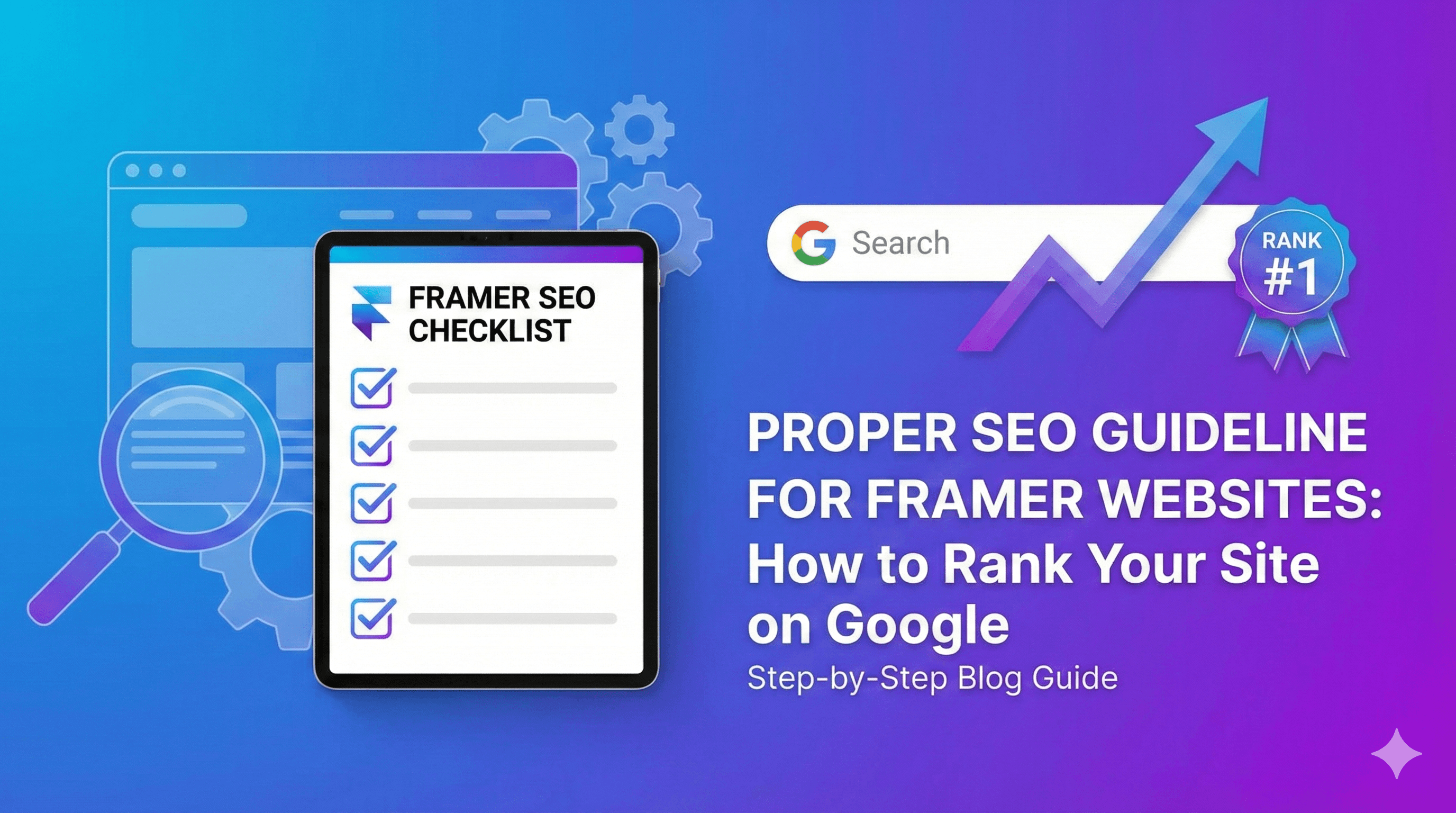
Proper SEO Guideline for Framer Websites: How to Rank Your Site on Google
December 29, 2025
You have designed a stunning website. The animations are smooth, the layout is pixel-perfect, and it looks exactly how you imagined. But now that you have hit "Publish," you are facing a common problem: nobody can find it.
A beautiful website without traffic is like a billboard in the middle of a desert. To get visitors, leads, and customers, you need your site to show up when people search on Google. This is where Search Engine Optimization (SEO) comes in.
Many beginners worry that "no-code" tools aren't good for search engines. But here is the truth: Framer website SEO is powerful, fast, and surprisingly easy to manage—if you know which settings to tweak.
In this guide, we will walk you through a proper SEO guideline for Framer websites. From basic settings to technical tricks, you will learn exactly how to rank your Framer website on Google.
Why SEO is Important for Framer Websites
You might think, "I'll just share my link on social media." While that works for a day or two, it is not sustainable.
SEO provides passive traffic. When you optimize your site, you are telling Google exactly what your business does. In return, Google connects you with people who are actively searching for your services.
For a Framer site specifically, optimization is crucial because:
Visibility: It helps you compete with WordPress or Webflow sites.
Credibility: Ranking high builds trust with potential clients.
Cost-Efficiency: Organic traffic is free, unlike Facebook or Google Ads.
By following Framer SEO best practices, you turn your portfolio or business site into a 24/7 lead generation machine.
How Google Indexes Framer Websites
Before we dive into the "how-to," it helps to understand how Google sees your site.
Google uses "crawlers" (bots) to scan your website's code. In the past, tools that relied heavily on JavaScript (like Framer) were hard for bots to read.
However, Framer now uses Server-Side Rendering (SSR) and static HTML generation. This means when a Google bot visits your page, it doesn't see a blank screen waiting for animations to load; it sees clean, readable text and code instantly.
This makes Framer websites Google ranking capabilities just as strong as any other platform, provided you set it up correctly.
On-Page SEO Guidelines for Framer Websites
On-page SEO refers to the optimizations you make directly on your web pages. Framer makes this very intuitive with its visual interface.
1. Title Tags & Meta Descriptions
Your Title Tag is the blue headline people see in Google search results. The Meta Description is the small text underneath it.
How to do it in Framer:
Click the "Gear" icon (Settings) next to a page name in the left sidebar.
Scroll to "General".
Title: Keep it under 60 characters. Include your primary keyword (e.g., "Best Coffee Shop in NYC").
Description: Keep it under 160 characters. Write a catchy summary that includes secondary keywords like Framer website optimization.
2. Heading Structure (H1–H6)
Google reads headings to understand the hierarchy of your content.
H1: This is your main title. You must only have one H1 per page. It should tell Google what the page is about (e.g., "SEO Services for Startups").
H2: Use these for main sections.
H3: Use these for sub-points under H2s.
Framer Tip: When you select a text box, look at the right sidebar. Change the "Accessibility" tag from div or p to h1, h2, etc. This is a critical step in any Framer SEO checklist.
3. Keyword Placement
Don't just write randomly. Identify the words your customers type into Google.
If you are a photographer, your primary keyword might be "Wedding Photographer in Austin."
Put this keyword in your H1.
Put it in the first 100 words of your body text.
Sprinkle variations naturally throughout the page.
4. URL Structure in Framer
Avoid messy URLs like domain.com/page-1-copy.
Best Practice:
Keep URLs short and descriptive.
Use hyphens to separate words.
Example:
yourdomain.com/services/web-designis better thanyourdomain.com/p/123.
You can edit the "Page Slug" in the same Page Settings menu where you found the Title Tag.
5. Image Optimization & Alt Text
Framer handles image compression well, but you can help. Large images slow down your site, and slow sites rank lower.
Alt Text is vital: Google cannot "see" images; it reads the Alt Text.
Select your image on the canvas.
In the right sidebar, look for the "Alt Text" field.
Describe the image using keywords, e.g., "Man working on laptop doing Framer on-page SEO."
[Internal Link Suggestion: Link to your "Services" page here]
Technical SEO for Framer Websites
Technical SEO happens behind the scenes. It ensures your site is healthy and accessible to bots.
1. Sitemap.xml
A sitemap is a list of all your pages. Google uses it to find new content.
Framer generates this automatically! You can find yours at yourdomain.com/sitemap.xml. You should submit this link to Google Search Console (more on that later) to speed up indexing.
2. Robots.txt
This file tells Google which pages not to visit (like a hidden 404 page or a draft). Framer handles the basics automatically, but if you connect a custom domain, ensure you haven't accidentally toggled "Disable Search Indexing" in your Site Settings.
3. Page Speed & Core Web Vitals
Google loves fast sites.
Minimize Videos: Autoplay videos can be heavy. Use them sparingly.
Optimize Assets: Before uploading images, run them through a tool like TinyPNG to reduce file size without losing quality.
Framer’s hosting is built on a global CDN (Content Delivery Network), which generally ensures excellent load times for Framer technical SEO.
4. Mobile Responsiveness
Google uses "Mobile-First Indexing." This means it ranks your site based on the mobile version, not the desktop version.
Action Step: Always check your Framer breakpoints (Phone and Tablet views). Ensure text is readable and buttons are clickable. If your mobile view is broken, your rankings will tank.
5. SSL & Security
Security is a ranking factor. Framer provides a free SSL certificate (that little padlock icon in the browser) for all sites, including free subdomains. You don't need to configure this manually.
Content SEO Strategy for Framer
You can have perfect technical settings, but without good content, you won't rank.
Blog Optimization
Framer's CMS (Content Management System) is perfect for blogging. Publishing regular articles answers user questions and builds authority.
Write articles that solve problems.
Use internal links to connect your blog posts to your service pages.
Internal Linking
Internal links guide visitors through your site.
If you write a blog about "Web Design," link the words "Web Design Services" to your service page.
This helps Google understand the relationship between your pages.
Content Freshness
Google prefers up-to-date content. Don't let your site sit static for years. Update your headlines, add new testimonials, or write a new blog post once a month to signal to Google that you are active.
Ranking Case Study / Position Reference Section
To prove that Framer websites Google ranking strategies work, let's look at some real-world examples. These websites demonstrate excellent implementation of the guidelines we have discussed.
1. FramerWebExperts (framerwebexperts.framer.ai)
This site ranks well for niche queries related to Framer development. Why it works:
Exact Match Domain/Subdomain: The URL itself contains the keywords "Framer Web Experts."
Clear H1 Tags: The hero section immediately tells Google what the site is about.
Fast Loading: The site uses minimal heavy assets on the homepage, allowing for near-instant loading, which boosts Core Web Vitals scores.
2. VNA Infotech
VNA Infotech has established a strong digital presence. Why it works:
Structured Content: Their service pages are clearly defined with proper H2 and H3 hierarchy.
Descriptive Meta Tags: When you search for them, the meta description clearly outlines their services.
Mobile Optimization: The site transitions seamlessly from desktop to mobile, ensuring they don't lose favor with Google's mobile-first indexing.
The Lesson: You don't need a massive budget to rank. You need clarity, speed, and structure. By mimicking the structure of these successful sites—clean code, clear headings, and relevant keywords—you can achieve similar results.
Off-Page SEO for Framer Websites
Off-page SEO involves actions taken outside your website.
Backlinks
A backlink is when another website links to yours. Google sees this as a vote of confidence.
How to get them: Guest post on other design blogs, share your Framer templates, or get listed in business directories.
High-quality backlinks are the #1 driver for competitive keywords.
Local SEO
If you are a local business (e.g., a bakery or a local agency):
Create a Google My Business profile.
Add your Framer website link to your profile.
Ensure your Name, Address, and Phone Number (NAP) are consistent across the web.
Google Search Console & Analytics
You cannot improve what you do not measure.
Google Search Console (GSC): This is a free tool from Google.
Sign up for GSC.
Add your Framer domain property.
Crucial Step: Submit your sitemap (
yourdomain.com/sitemap.xml). This explicitly tells Google, "I exist, please index me."
Google Analytics (GA4): Framer has a native integration for GA4.
Go to Site Settings > General.
Paste your Measurement ID.
Now you can track how many people visit your site and where they come from.
Common SEO Mistakes in Framer Websites
Even pros make mistakes. Avoid these pitfalls:
Leaving Default Meta Data: Forgetting to change the default "Made in Framer" title tag.
Using Too Many H1s: Remember, only one H1 per page!
Ignoring Text Contrast: Light gray text on a white background is hard to read. Google penalizes sites with poor accessibility.
Broken Links: If you delete a page, set up a "301 Redirect" in Framer settings so users aren't sent to a dead end.
Complete Framer SEO Checklist
Use this checklist before you launch to ensure you have covered all Framer SEO best practices.
[ ] Custom Domain Connected: (e.g.,
.cominstead of.framer.appfor better credibility).[ ] Title Tags & Descriptions: Filled out for every single page.
[ ] Heading Hierarchy: Verified H1, H2, H3 tags are used correctly.
[ ] Image Alt Text: Added to all meaningful images.
[ ] URL Slugs: Clean and keyword-rich.
[ ] Social Preview Image: Uploaded a custom Open Graph image (so links look good on Facebook/Twitter).
[ ] Favicon: Uploaded your logo as the browser tab icon.
[ ] 404 Page: Customized the error page to guide users back home.
[ ] Sitemap Submitted: Sent to Google Search Console.
[ ] Analytics Connected: Google Analytics ID added.
FAQs
1. Is Framer good for SEO? Yes, absolutely. Framer generates clean, semantic code and offers fast hosting. If you follow this SEO guideline for Framer, you can rank just as high as WordPress users.
2. How do I add keywords to Framer? You add keywords by writing them naturally in your text content (H1 headlines, paragraphs) and in your Page Settings (Title and Description fields).
3. Does Framer generate a sitemap automatically? Yes, Framer automatically creates a sitemap for your project. You can access it by adding /sitemap.xml to the end of your domain.
4. Can I use plugins like Yoast SEO on Framer? No, Framer does not use plugins. However, all the core features provided by Yoast (meta editing, social previews, indexing controls) are built directly into Framer’s native settings.
5. How long does it take for my Framer site to rank? SEO is a long-term game. It can take anywhere from 3 to 6 months to see significant results, depending on your competition and content quality.
6. Why is my Framer website not showing on Google? First, check if you have disabled "Search Indexing" in settings. Second, ensure you have submitted your sitemap to Google Search Console. It can take a few weeks for a new site to appear.
Final Conclusion
Ranking a website doesn't have to be a mystery. While Framer is a design-first tool, it is equipped with everything you need to succeed in search results.
The secret to Framer website SEO isn't a magic button—it is consistency. By structuring your headings, writing clear descriptions, optimizing your images, and monitoring your technical health, you are building a solid foundation for organic growth.
Start with the basics. Fix your titles, clean up your URLs, and submit your sitemap. Once you do that, focus on creating great content that helps your users. Google will notice.
Follow these proper SEO guidelines to rank your Framer website on Google faster.