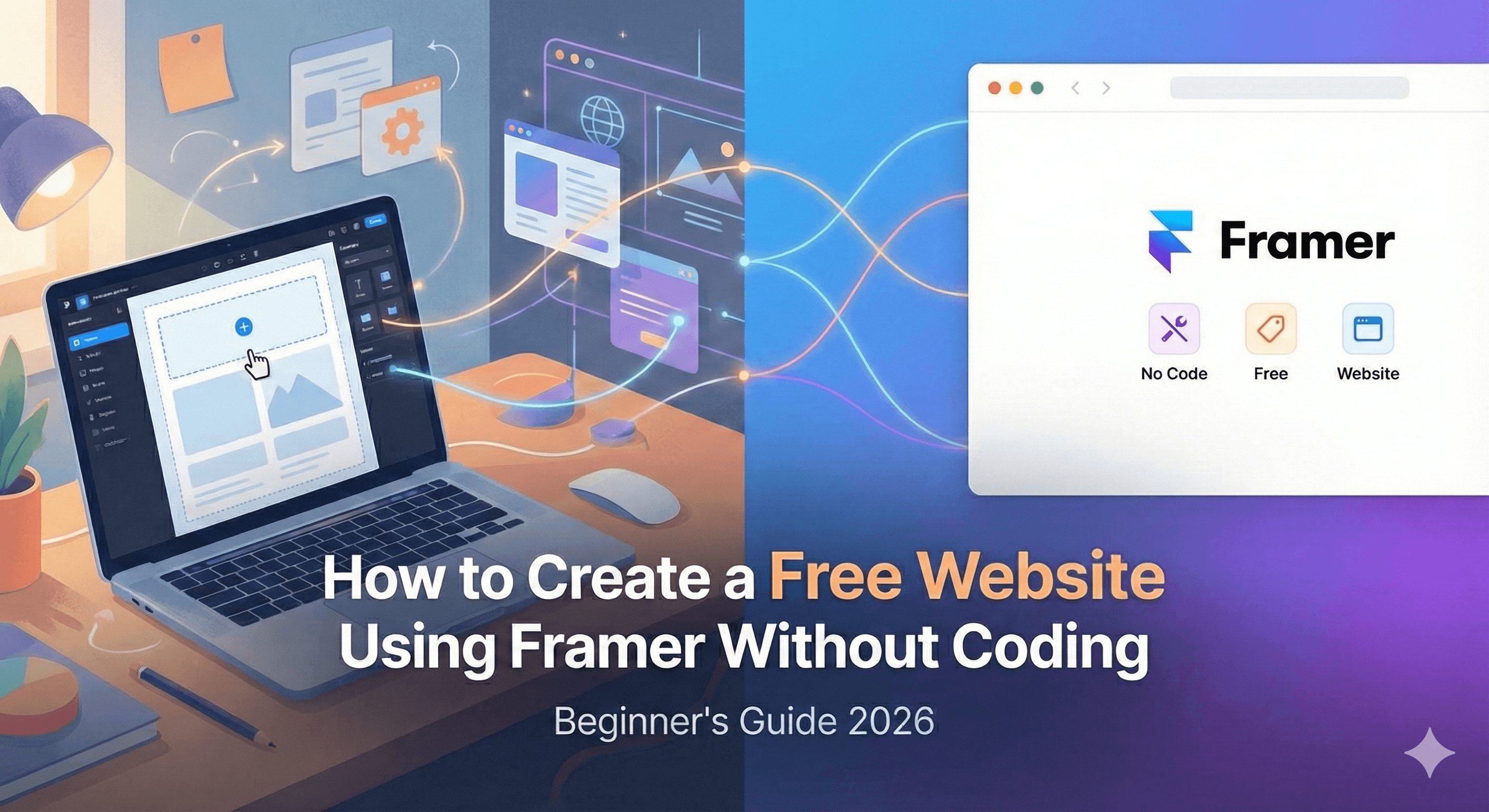
How to Create a Free Website Using Framer Without Coding
December 23, 2025
Do you need a stunning, professional website but don’t have the budget for a developer or the time to learn code? You are not alone.
Most people get stuck trying to figure out complicated hosting, messy plugins, or expensive subscriptions. It can feel overwhelming when you just want to get your ideas online.
Here is the good news: you can build a free website using Framer in just a few hours.
Framer has changed the game for designers and beginners alike. It lets you draw your website like you are using a design tool, and then it magically turns that design into a live, real website. No code required.
In this guide, I will show you exactly how to create a website using Framer from scratch, completely for free.
What is Framer?
Think of Framer as a mix between a design tool (like Canva or Figma) and a powerful website builder.
Unlike traditional builders where you fill in rigid boxes, Framer gives you a blank canvas. You can drag, drop, and move elements anywhere you want. It started as a prototyping tool for app designers, but today, it is a leading no-code website builder that powers thousands of portfolios, landing pages, and business sites.
Why Choose Framer for a Free Website?
If you have tried other site builders, you know the struggle. You pick a template, but as soon as you try to move a button or change a font size, everything breaks.
Framer is different because it prioritizes creative freedom.
Visual Editing: What you see on the canvas is exactly what your visitors see.
Speed: It is incredibly fast to set up.
Professional Look: Even the free templates look high-end and polished.
Zero Coding: You really can build a Framer website without coding knowledge.
Features of the Framer Free Plan
Before we start building, let’s look at what you actually get with a Framer free website. The free tier is generous and perfect for getting started.
Design Editor: Full access to the powerful design canvas.
Hosting: Free hosting on a Framer subdomain (e.g., yourname.framer.website).
Traffic: Up to 1,000 visitors per month.
CMS: A Content Management System for a blog or portfolio.
Pages: Unlimited pages for your project.
Badge: A small "Made in Framer" badge in the corner of your site.
[Suggestion: External Link to Framer’s official pricing page for current details]
Step-by-Step Guide: How to Create a Website Using Framer
Ready to build a website with Framer? Follow these five simple steps.
1. Create a Framer Account
Head over to the Framer website and sign up. You can use your Google email to log in instantly. There is no credit card required for the free plan.
2. Choose a Free Template
Once you are in your dashboard, don’t start with a blank screen if you are a beginner. Click on "Templates" and browse the "Free" category.
Whether you need a portfolio, a landing page, or a blog, there is a Framer website tutorial template ready for you. Click "Use Template" to copy it to your account.
3. Customize Text, Images, and Layout
This is the fun part. Double-click any text on the screen to change it.
Images: Drag and drop your own photos directly onto the canvas to replace the template images.
Colors: On the right-hand sidebar, you can change the color styles.
Layout: If you don’t like where a button is, just click and drag it to a new spot.
4. Add Pages and Sections
Need an "About" page? On the left sidebar, click the "Pages" tab and hit the plus (+) sign.
You can also drag in pre-made "Sections" like contact forms, testimonials, or pricing tables from the "Insert" menu. This makes it a true free no-code website experience because you are just assembling blocks.
5. Publish Your Free Framer Website
When you are happy with how it looks, look at the top right corner. You will see a big blue "Publish" button.
Click it. Framer will ask you to name your site (this will be your URL). Hit "Publish" again, and within seconds, your site is live on the internet!
[Suggestion: Internal Link to another blog post about "Top 10 Free Framer Templates"]
How Framer Works Without Coding
You might be wondering, "If I'm not writing code, who is?"
Framer writes the code for you in the background. Every time you draw a box or type text, Framer converts that into clean HTML, CSS, and React code.
This is why Framer sites are so fast. Unlike some builders that load heavy, bloated code, Framer produces crisp code that Google loves. It bridges the gap between design and development, making it the ultimate tool to build a website with Framer without a computer science degree.
Framer vs. Other Free No-Code Website Builders
How does Framer stack up against the competition?
Feature | Framer | Webflow | WordPress |
Ease of Use | High (Drag & Drop) | Medium (Steep learning curve) | Low (Needs setup) |
Design Freedom | Unlimited | High | Limited by Theme |
Free Plan | 1,000 visitors/mo | 2 pages limit | Hosting usually costs money |
Best For | Designers, Portfolios | Complex Business Sites | Blogs, Heavy Content |
If you want visual freedom without the headache, a Framer free website is often the best choice for beginners.
SEO Tips for Framer Free Websites
Just because it’s free doesn’t mean it can’t rank on Google. Framer is surprisingly good at SEO out of the box.
Edit Page Settings: Click the "Gear" icon next to your page name. Fill in the "Title" and "Description" with keywords describing your business.
Use Semantic Tags: When you add a title, make sure you set it as an H1 tag in the settings panel. Use H2 and H3 for subheadings.
Alt Text: Select your images and add a description in the "Alt" field. This helps Google understand your visuals.
Fast Loading: Framer optimizes images automatically, but try not to upload massive 10MB files.
Common Mistakes Beginners Make in Framer
I have seen many people try to build a website with Framer and make these simple errors. Avoid them to ensure your site succeeds.
Forgetting Mobile: Framer has a "breakpoint" feature at the top of the screen. Always check how your site looks on the Tablet and Phone views. You often need to tweak the layout for smaller screens.
Messy Structure: Don’t just throw elements randomly. Use "Stacks" (Framer's version of auto-layout) to keep things aligned and organized.
Ignoring SEO: Don’t publish without adding a site title and description. If you leave it blank, Google won't know what your site is about.
Overusing Animations: Framer makes it easy to add cool motion effects, but too many can make your site dizzying and slow. Keep it subtle.
FAQs
1. Is Framer really free forever?
Yes, the free plan is free forever. You only need to pay if you want to connect a custom domain (like .com) or need more than 1,000 visitors a month.
2. Can I use my own domain on the free plan?
No. To connect a custom domain (like www.mybusiness.com), you need to upgrade to the "Mini" or "Basic" plan. The free plan uses a .framer.website domain.
3. Is Framer good for beginners?
Absolutely. If you can use PowerPoint or Canva, you can learn how to create a website using Framer.
4. Can I build an online store with Framer?
You can, but Framer is better suited for portfolios and informational sites. For a large online store, tools like Shopify might be better, though you can integrate third-party payment links into Framer easily.
5. How do I remove the "Made in Framer" badge?
You must upgrade to a paid plan (Mini or Basic) to remove the branding badge from your site.
6. Is a Framer website SEO friendly?
Yes. Framer sites load very fast and allow you to control all the important SEO settings, giving you a great chance to rank.
Final Conclusion
Building a website used to be a technical nightmare, but those days are over.
With Framer, you have the power to create something truly unique and professional without writing a single line of code. Whether you are a student, a freelancer, or a business owner, a free website using Framer is the perfect starting point to establish your online presence.
It is visual, intuitive, and frankly, a lot of fun to use. You don’t need to wait for a developer or save up hundreds of dollars. You have everything you need right now.
Start building your free Framer website today and share your ideas with the world!